
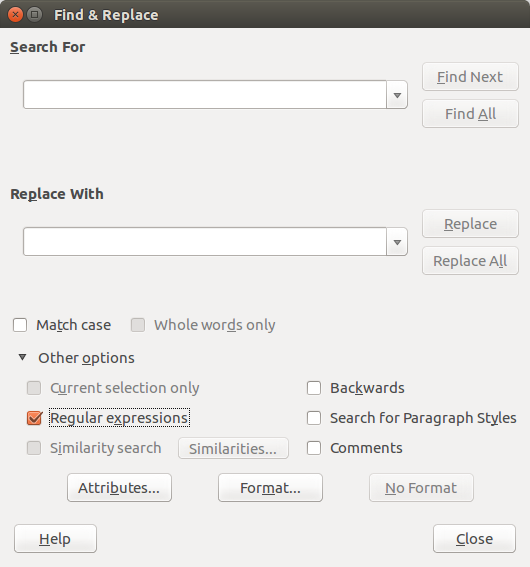
 LibreOffice offers a powerful search and replace option of regular expressions – like, for instance, tabs, soft line breaks and empty paragraphs – based on the powerful International Components for Unicode (ICU) Regular Expressions engine. A complete list of the regular expressions can be found on the ICU Project website.
A list of the regular expressions most used by LibreOffice can be accessed via the dialog windows which opens when you enter Edit > Find & Replace… Clicking on the Other Options… arrow, you expand the list, from which you can select Regular Expressions.…
