LibreOffice: Advent Tip #2

Save Impress Slides as Images

availableformats
Export File Formats

LibreOffice allows to export single Impress slides as images, by accessing the menu File > Export…, and then by choosing one of the available file formats. Using this feature, exporting all the slides of an Impress presentation is a rather tedious operation.

Luckily, there is a LibreOffice extension which allows to export all slides as images in a single operation. In addition, it allows to choose the file format and configure the output.
exportasimages
LibreOffice Extensions website

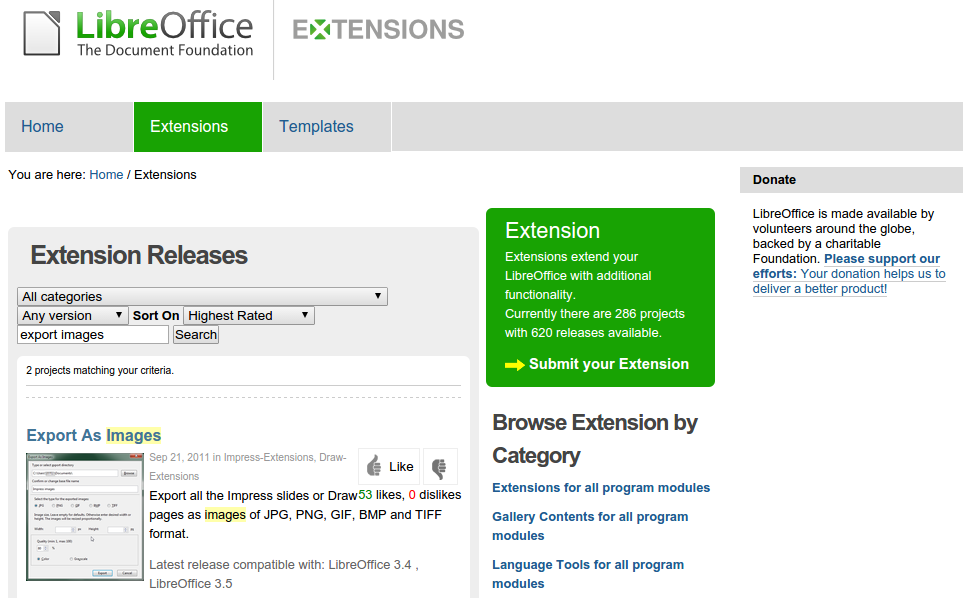
To install the extension Export as Images, you have to access the LibreOffice Extensions website, search for the extension, download the OXT file, and install it using the Extensions Manager (which can be accessed from the menu Tools > Extension Manager…, then clicking on the Add… button, and following the instructions).
exportasimagesdialog
Export as Images Dialog Window

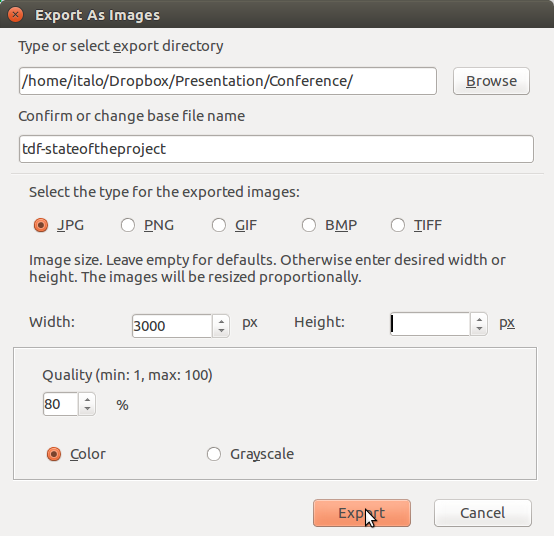
Once installed, Export as Images creates a new menu entry File > Export as Images…, which opens a dialog windows where you can choose the directory, the file name, the file format, the size (by entering the requested width or height in pixels), and color/grayscale.

 

LibreOffice: Advent Tip #1

Ask LibreOffice
ASK LibreOffice
LibreOffice FAQ
LibreOffice FAQ on TDF Wiki


We are approaching the end of 2015. We have decided to celebrate the month of December with our own version of the Advent Calendar: one simple tip per day, to make the use of LibreOffice more enjoyable or more productive.

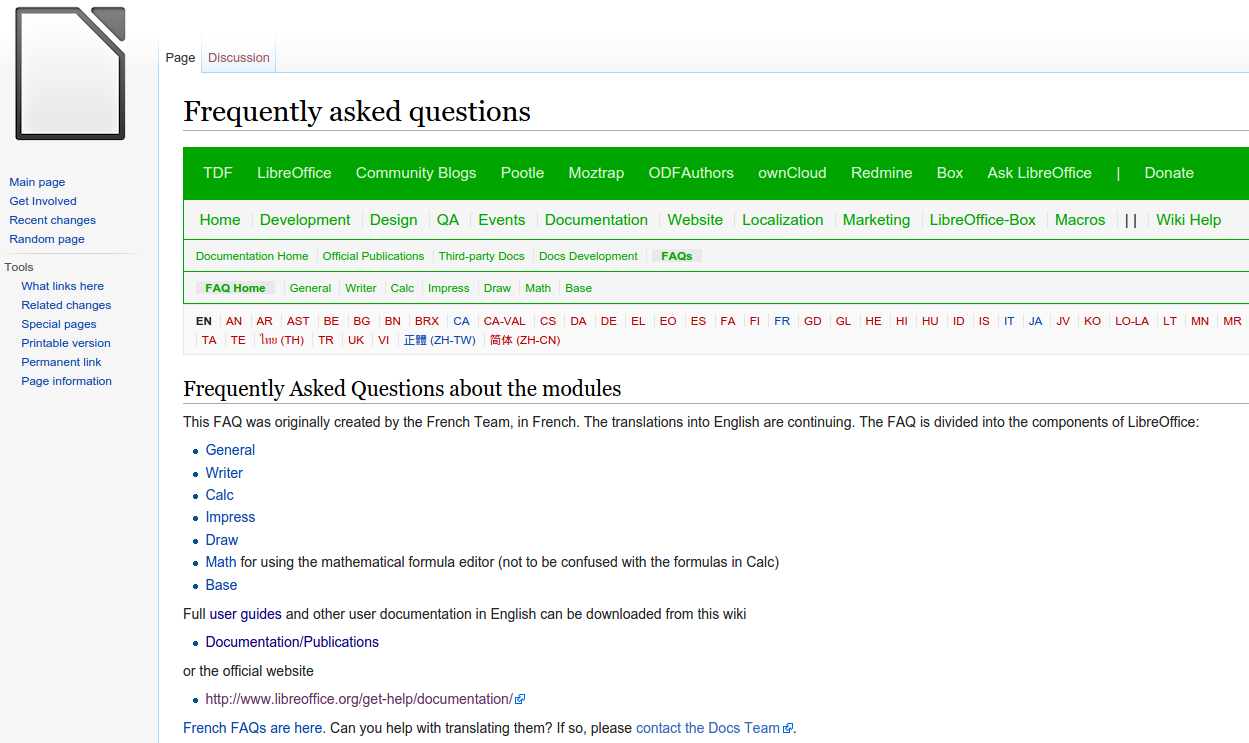
Today, December 1, we start by pointing LibreOffice users to Ask LibreOffice and to the FAQ on TDF Wiki. These two resources provide a number of tips based either on questions asked by users (Ask) or on the experience of long time LibreOffice users (FAQ).

They are both useful, and we warmly invite LibreOffice users worldwide to leverage these resources provided by community volunteers.

Community, as seen from the sky

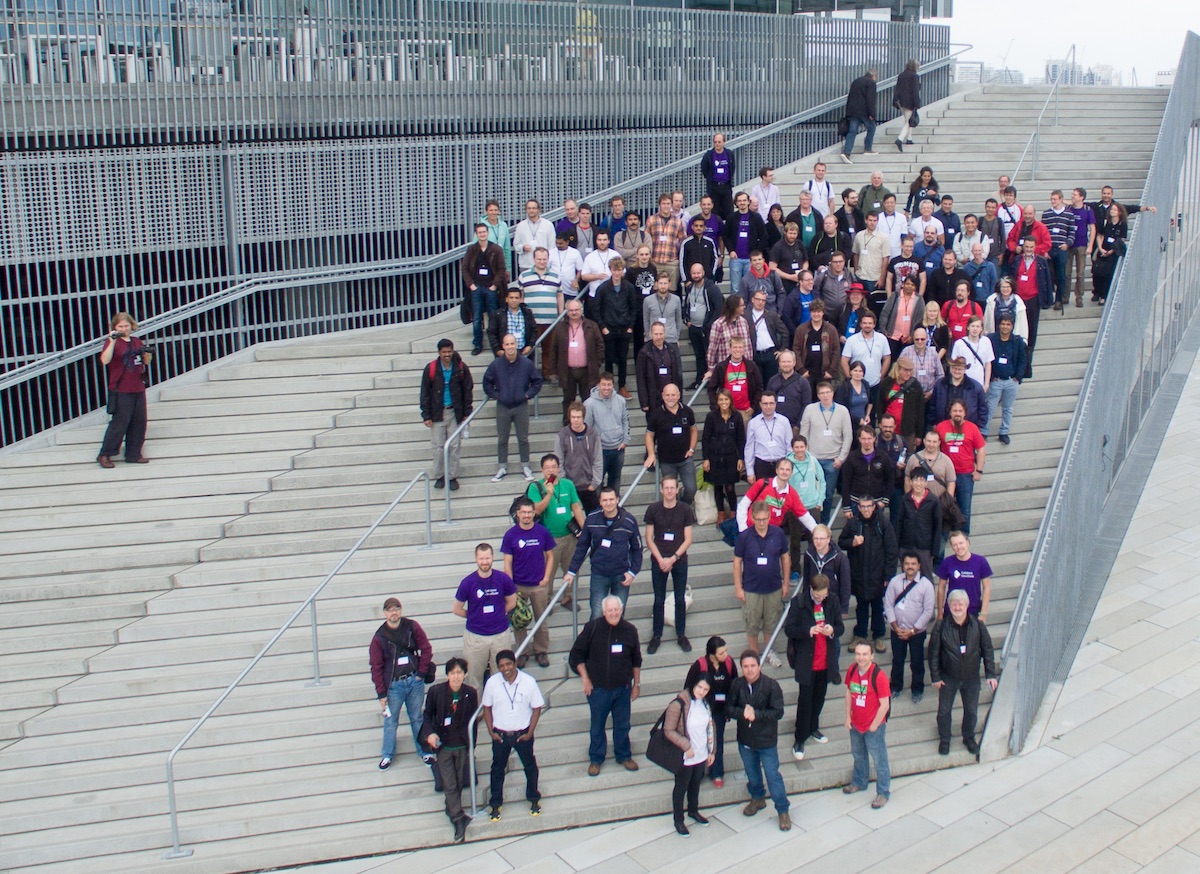
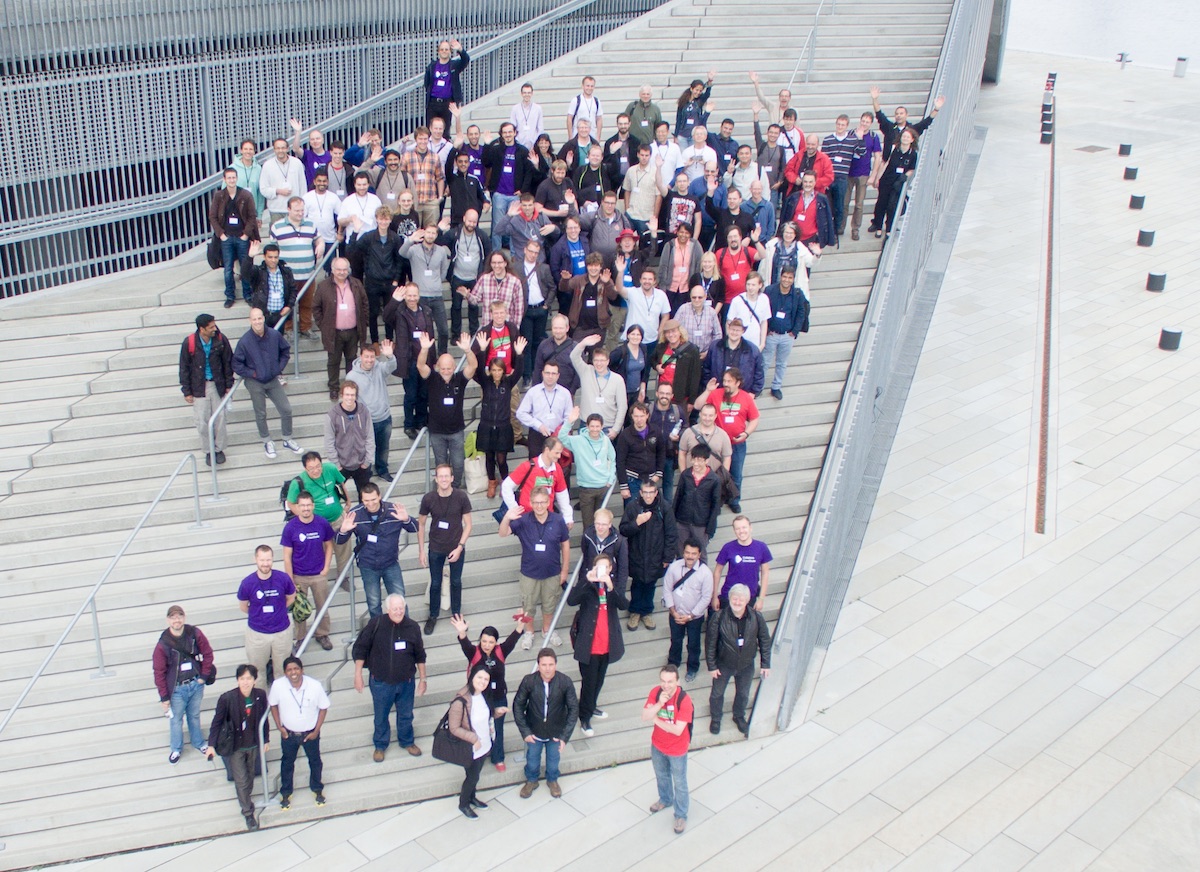
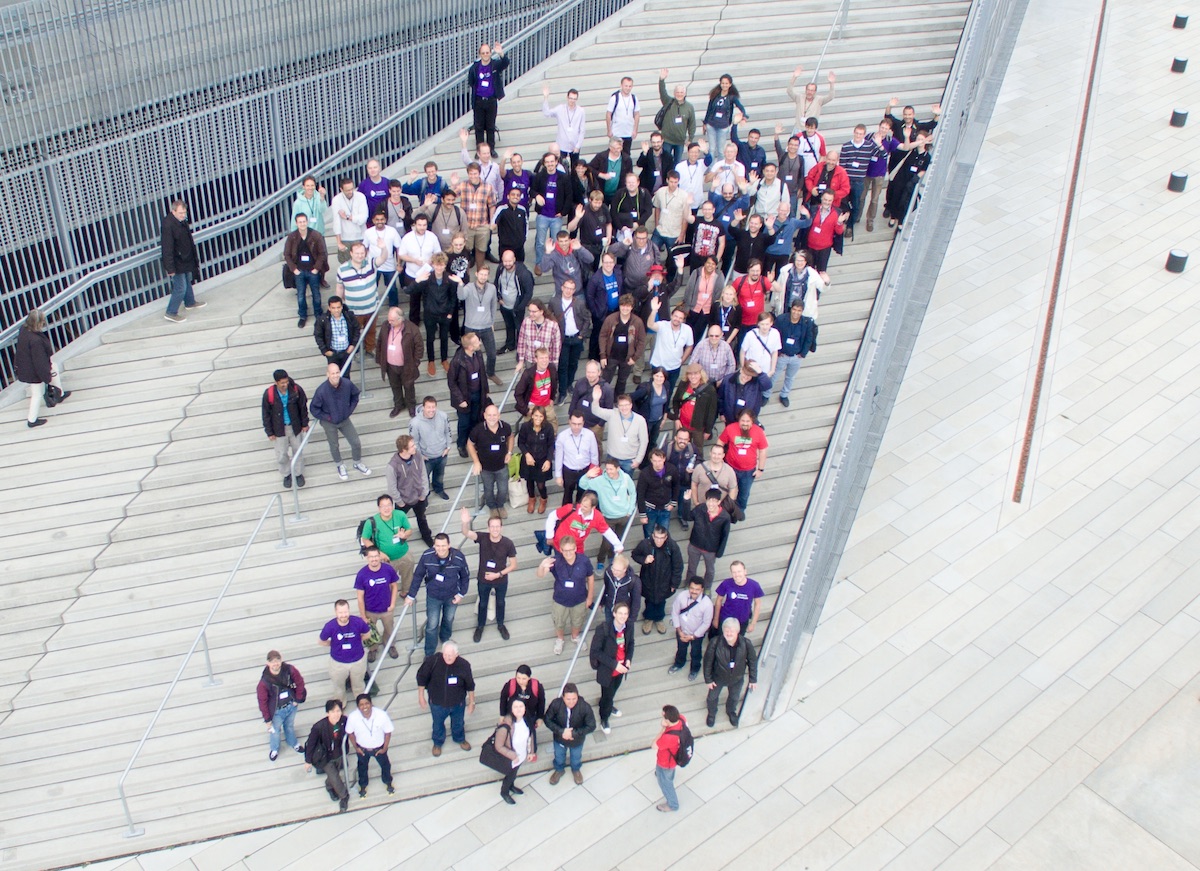
drone5During the Aarhus Conference, we have organized the usual group picture to celebrate the community, leveraging the architectural features of the DOKK1.

We have gathered on one of the large staircases leading to the first floor of the building, which were the ideal setting for a group picture.

To the surprise of the group, in addition to the usual camera picture, Dennis Borup Jakobsen has organized a “drone” session, to get a different view of the community, as seen from the sky.

The result is amazing, and has provided a different point of view on the community.

drone1drone2

drone3